StereoEngine-S: Stereo Generation without a Ground-Truth Left View
Left Simulation Video
Canny Edge
Converter
Converter
Left Canny Video
Right Simulation Video
Right Canny Video
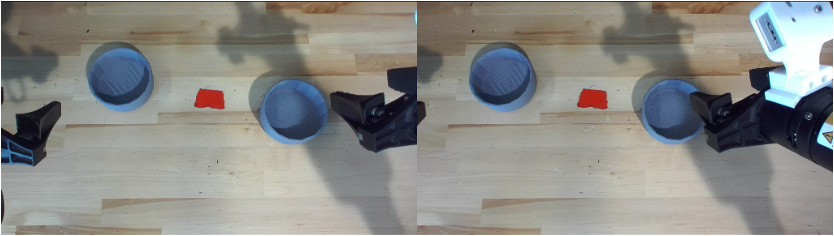
Reference Images
Left + Right
Canny Videos
Canny Videos
Language Instruction
Video
Diffusion
Diffusion
Generated Left Video
Generated Right Video
Two-Camera Simulation
Render the episode in simulation from two cameras, then convert both views into Canny-edge videos.
Geometry + Appearance
Pass both edge videos to the model with two reference images and a language instruction. Edges define geometry; the references supply background, lighting, and surface texture.
Stereo Generation
A video generation model produces the synthetic left and right videos as a stereo pair.
StereoEngine-S Data Examples
Stack Two Bowls
Left View
Right View
Lift Two Bottles
Left View
Right View
Container Plate
Left View
Right View